Top Automation Tools for Small Businesses
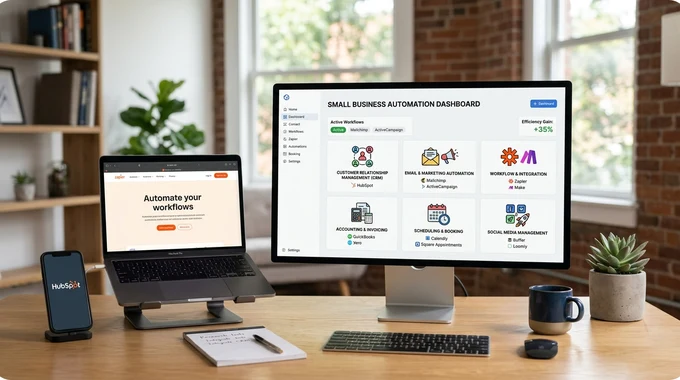
Running a small business often means wearing multiple hats, marketing, sales, customer support, finance, and operations. This can quickly become overwhelming. That’s where automation tools come in.
Automation tools help businesses:
- Save time by reducing manual work
- Improve efficiency and accuracy
- Scale operations without increasing team size
In fact, automation can eliminate repetitive tasks like data entry, email follow-ups, and scheduling, freeing up time for strategic growth.
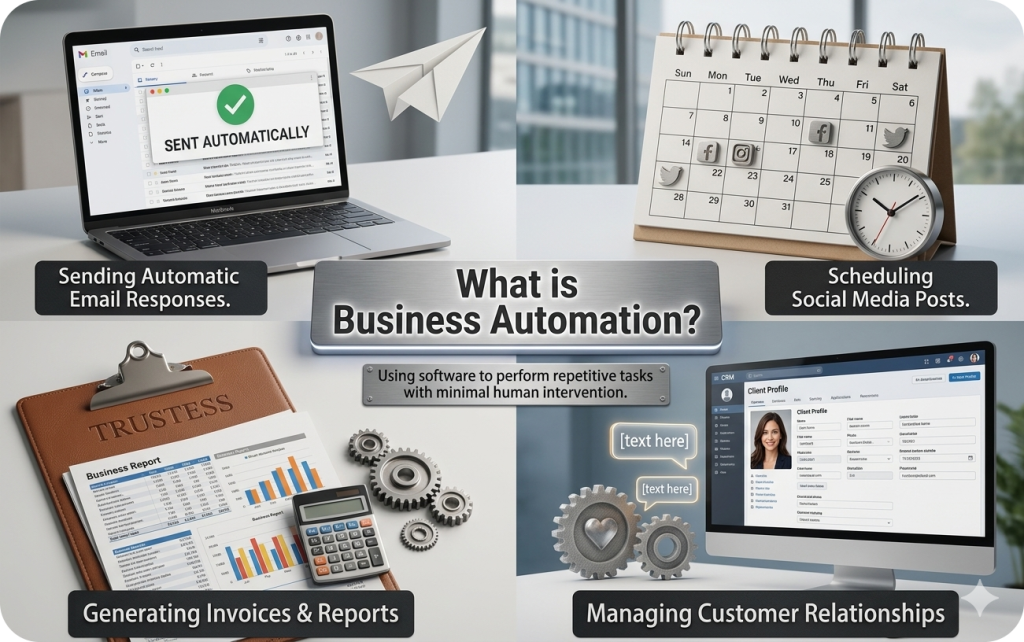
What is Business Automation?
Business automation is the use of software to perform repetitive tasks with minimal human intervention.
Examples of automation:
- Sending automatic email responses
- Scheduling social media posts
- Generating invoices and reports
- Managing customer relationships
Why Small Businesses Need Automation

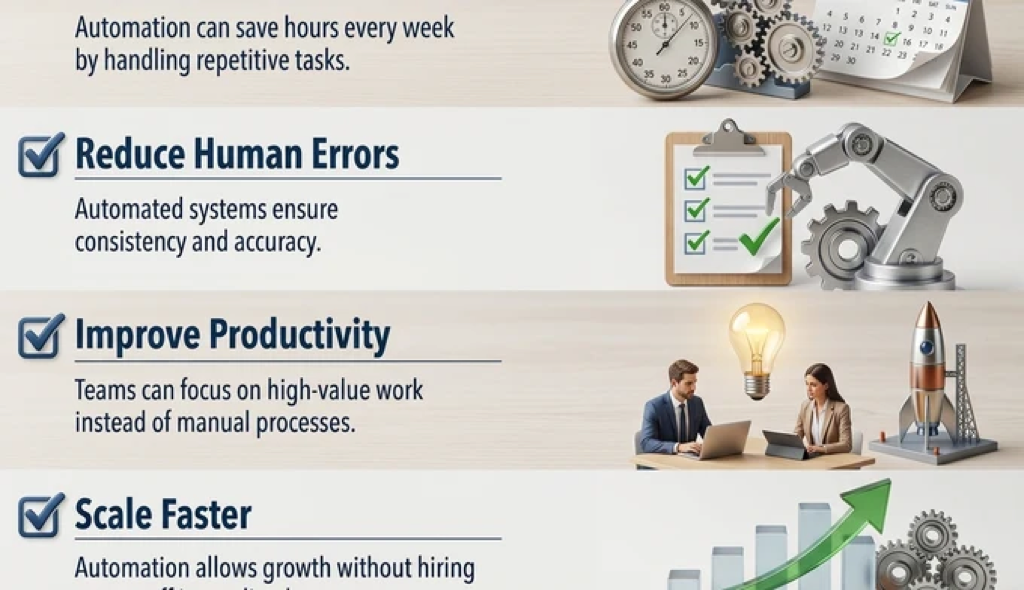
- Save Time
Automation can save hours every week by handling repetitive tasks. - Reduce Human ErrorsAutomated systems ensure consistency and accuracy.
- Improve ProductivityTeams can focus on high-value work instead of manual processes.
- Scale FasterAutomation allows growth without hiring more staff immediately.
Top Automation Tools for Small Businesses
1. Workflow Automation Tools
a) Zapier
- Connects 5,000+ apps without coding
- Automates workflows (“Zaps”) between tools
- Ideal for beginners
Example: Automatically save form data to Google Sheets
Zapier is widely used because it connects thousands of apps and removes manual data entry tasks.
b) Make (Integromat)
- Visual workflow builder
- More flexible and affordable than Zapier
- Great for complex automations
2. CRM & Marketing Automation
a) HubSpot CRM
- Automates lead capture and email nurturing
- Tracks customer interactions
- Free plan available
Ideal for businesses building structured sales pipelines.
b) ActiveCampaign
- Email marketing automation
- Customer journey tracking
- Advanced segmentation
3. Accounting Automation Tools
a) Xero
- Automates invoicing and expense tracking
- Real-time financial insights
- Bank integration
b) QuickBooks Online
- Automates bookkeeping and tax calculations
- Tracks expenses and payments
- Popular among small businesses
4. Scheduling & Productivity Tools
a) Calendly
- Automates meeting scheduling
- Sends reminders to reduce no-shows
- Eliminates back-and-forth emails
b) Trello (with automation)
- Task management with automation rules
- Automates task assignments and updates
5. Social Media Automation
a) Hootsuite
- Schedule posts across platforms
- Monitor engagement
- Manage multiple accounts
b) Buffer
- Simple social media scheduling
- Analytics and performance tracking
6. All-in-One Automation Platforms
a) Plumint
- CRM + marketing + analytics in one tool
- Automates lead capture and campaigns
- Ideal for startups
b) Pulse CRM
- Combines sales, marketing, and operations automation
- Great for growing businesses
7. Real-World Use Cases
a) E-commerce Business
- Automate order confirmations and shipping updates
b) Service-Based Business
- Use Calendly for bookings
- Send automated follow-up emails
c) Marketing Agency
- Schedule posts using Hootsuite
- Automate lead capture via Zapier
8. How to Choose the Right Automation Tool
When selecting tools, consider:
a) Ease of Use
Choose beginner-friendly tools if you don’t have technical skills
b) Integration
Ensure it connects with your existing apps
c) Pricing
Start with free plans and scale later
d) Business Needs
Focus on tools that solve your biggest problems
9. Benefits of Automation (Key Takeaways)
- Saves 10+ hours per week
- Reduces operational costs
- Improves scalability
- Enhances data accuracy
Many small business owners report saving significant time weekly using tools like Zapier, QuickBooks, and Calendly.
Conclusion
Automation is no longer optional, it’s essential for small businesses that want to grow efficiently.
By using the right combination of tools, you can:
- Work smarter, not harder
- Reduce manual workload
- Focus on scaling your business
Start small, automate one process at a time, and gradually build a fully automated workflow.